Windows programs
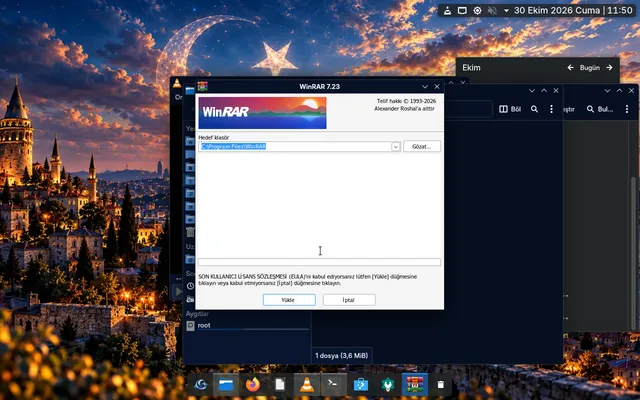
Double-click an .exe, confirm, and it runs. Wine with 32-bit support comes preinstalled; the WinRAR installer opened this way in alpha.10. Not every program is guaranteed to work.
0.1.0-alpha.17 · Early access open
TuranOS is an operating system built on Debian 13 and KDE Plasma 6, designed in Turkish from the ground up. Tell the installer who you are; the system prepares the rest.
Why TuranOS
Installing an operating system usually means hours of hunting for the right programs. TuranOS moves that work into the installer: students get study tools, developers get compilers and containers, gamers get their game stores — ready on first boot.
At the core are two of the most established free software projects, Debian and KDE. On that solid ground we build a Turkish-first experience, profiles that shape the system around you, and a build panel institutions can use to produce their own editions.
Installer, welcome screens, menus and docs are designed in Turkish first; English is supported too.
Debian 13 stable and KDE Plasma 6. Updates and security fixes come from Debian’s mature infrastructure.
Every release is verified on a real ISO with recorded tests. We write down the tests that fail, too.
Profiles
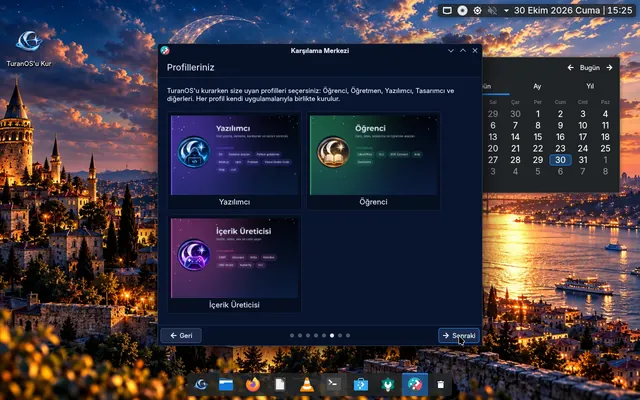
Choose the profiles that fit you during installation — hold Ctrl to pick more than one. Each profile installs its own apps; those that need the internet are completed on first boot.
Web, office, media and everyday use
Apps
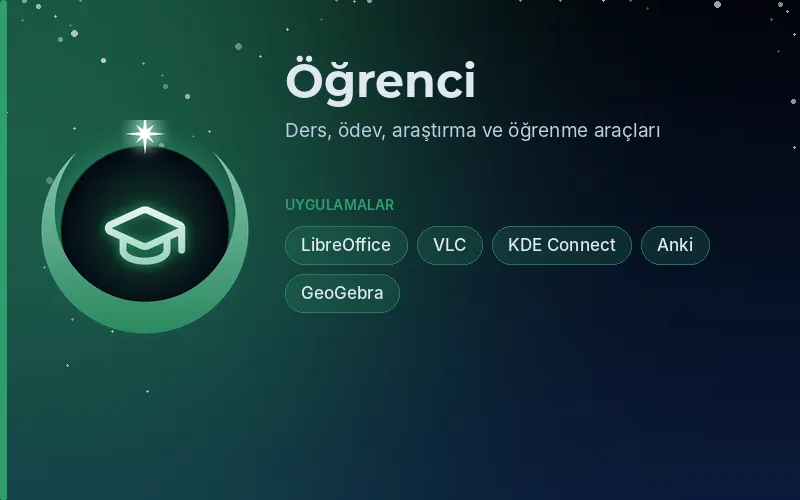
Coursework, research and learning tools
Apps
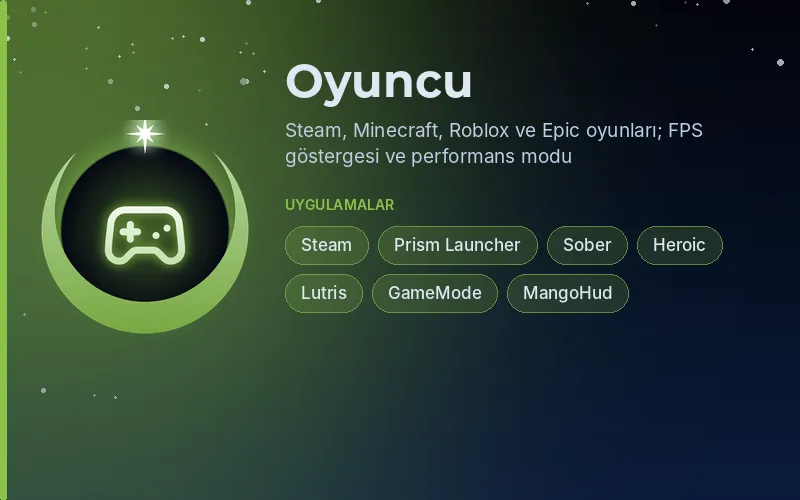
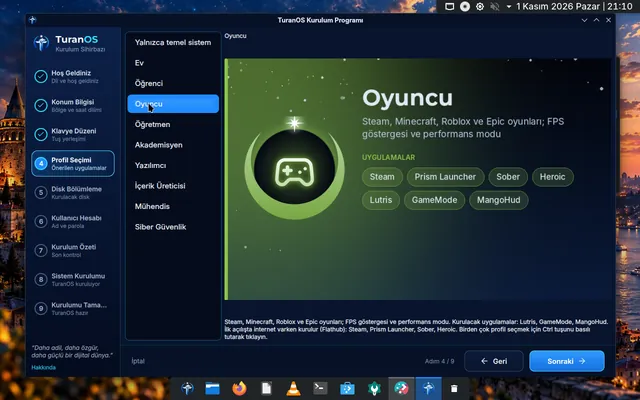
Steam, Minecraft, Roblox and Epic games; FPS overlay and performance mode
Apps
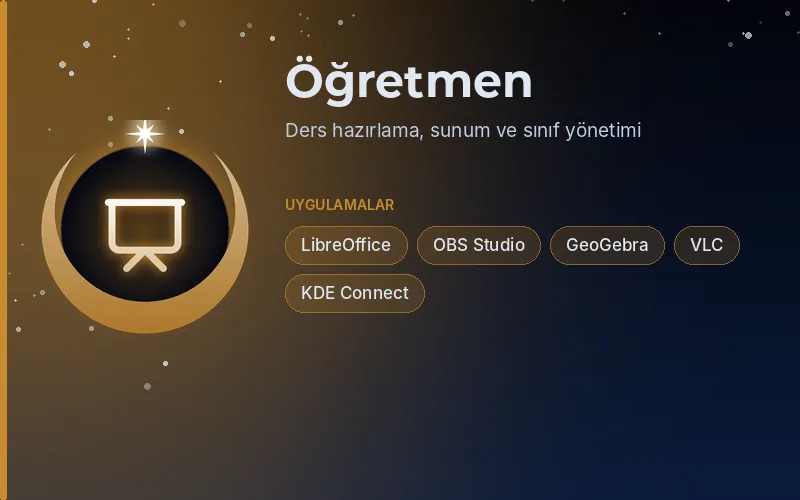
Lesson preparation, presenting and classroom tools
Apps
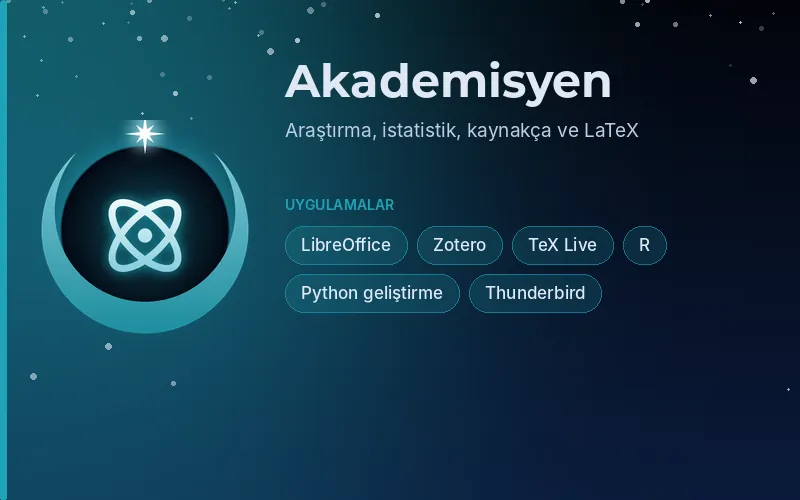
Research, statistics, references and LaTeX
Apps
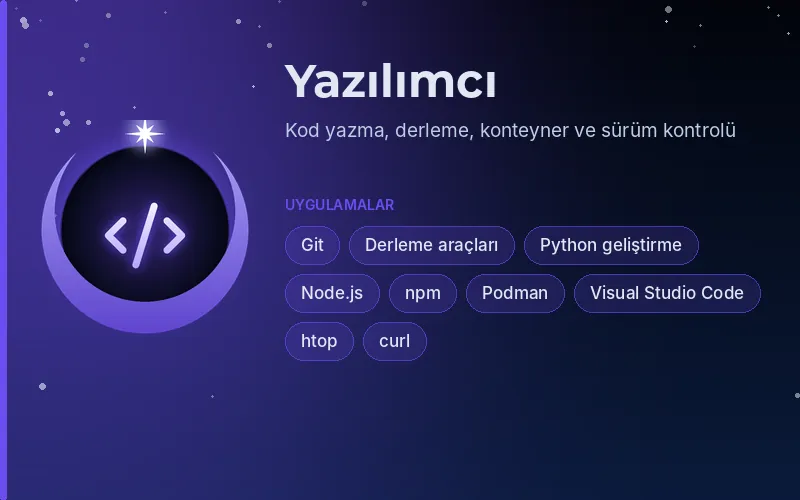
Coding, building, containers and version control
Apps
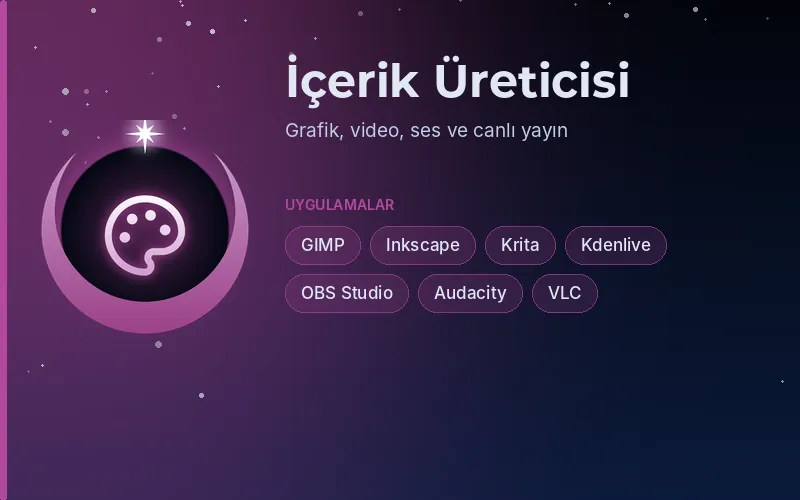
Graphics, video, audio and live streaming
Apps
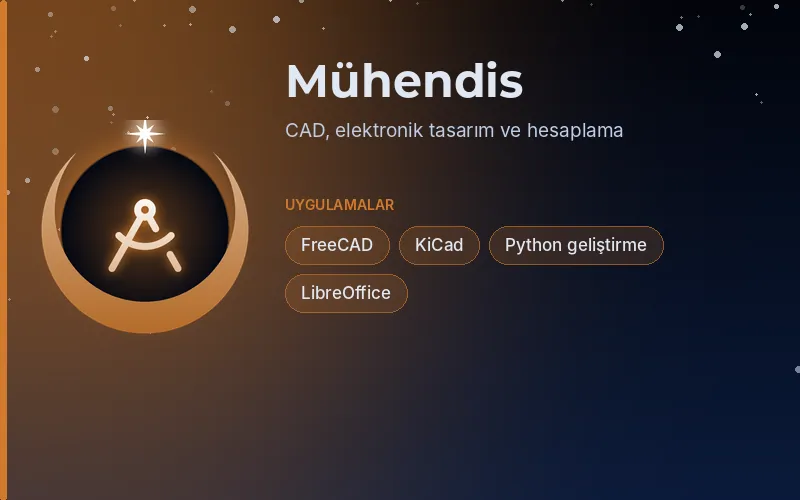
CAD, electronics design and computation
Apps
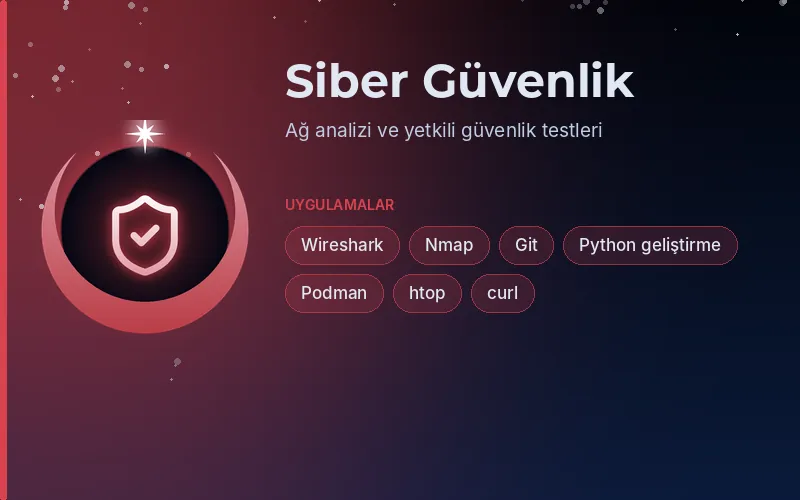
Network analysis and authorised security testing
Apps
One system
Double-click an .exe, confirm, and it runs. Wine with 32-bit support comes preinstalled; the WinRAR installer opened this way in alpha.10. Not every program is guaranteed to work.
The Gamer profile brings Steam, Prism Launcher for Minecraft, Sober for Roblox (unofficial) and Heroic for Epic/GOG, plus the MangoHud FPS overlay and GameMode.
Connect to another computer over RDP or VNC with KRDC; share this one over RDP with KRDP. Both are in the base system.
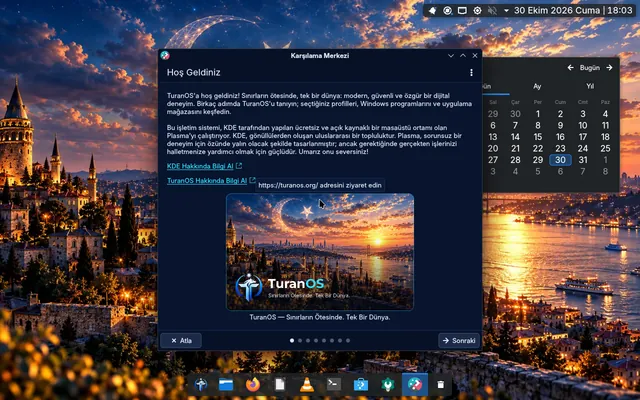
On first boot a guided tour greets you: your profiles, Windows programs and the app store in one place.
The system installs onto Btrfs subvolumes (@, @home, @cache, @log) — a layout ready for snapshots.
Try it now
A browser recreation of the TuranOS desktop: drag windows, choose profiles, type in the terminal, “install” apps from the store. It is not the real system, but the look and flow are faithful to it.

This is a browser demo, not the real system.
Real screenshots
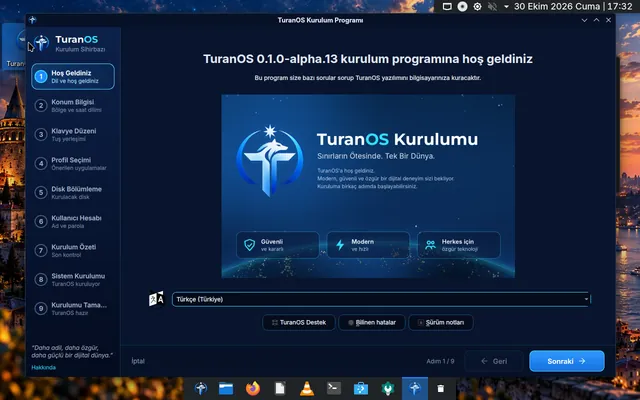
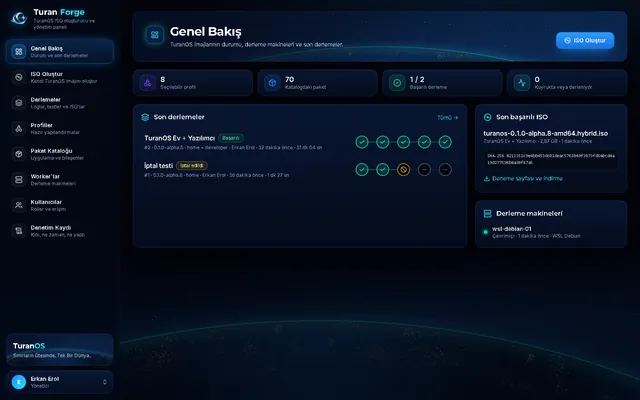
Every image below was captured from TuranOS running in a virtual machine during testing.
Turan Forge
A web-based ISO build panel for schools, institutions and communities. Pick profiles and start a build; the panel streams the live log, re-verifies the ISO’s SHA-256 and runs UEFI/BIOS boot tests automatically.
Status
TuranOS is not ready for everyday use yet. Testing happens in virtual machines; the table below summarises the recorded test results.
v0.1.0-alpha.17
Changelog
The official TuranOS website is live: an in-browser desktop demo, profiles and the early access list.
The installed system now uses all of the image’s package components; an unresolvable package stops the build instead of the user’s install.
A new Gamer profile; remote desktop with KRDC and KRDP in the base system.
FAQ
TuranOS is a Turkish-first, Linux-based operating system built on Debian 13 and KDE Plasma 6. During installation you pick the profiles that suit you — Home, Student, Gamer, Teacher, Academic, Developer, Creator, Engineering and Cybersecurity — and the system installs the matching apps.
Not yet. TuranOS is in alpha and no download is offered. Fill in the early access form and we will let you know when test builds are ready. Meanwhile, try the in-browser demo in the “Try it now” section.
TuranOS ships with Wine for running Windows programs: double-click an .exe and confirm, and it opens. In the alpha.10 test the WinRAR installer ran this way. Compatibility varies by program; not every Windows application is guaranteed to work.
The Gamer profile installs Steam, Prism Launcher for Minecraft (Java), Sober for Roblox and Heroic for Epic/GOG games on first boot when you are online. Sober is an unofficial, closed-source client. Installing with the Gamer profile failed in alpha.16 due to a package error; the fix is in alpha.17 and will be re-tested.
Yes. On the installer’s profile page, hold Ctrl to select several profiles. Installing Student and Developer together has been tested and passed.
TuranOS targets 64-bit (amd64) computers and boots with both UEFI and legacy BIOS; this is tested automatically in a virtual machine on every build. It has not been tested on real hardware yet.
Yes. The base system includes KRDC (connect to another computer over RDP or VNC) and KRDP (share this computer over RDP, under System Settings › Remote Desktop).
Turan Forge is a tool that builds TuranOS ISO images from a web panel. You pick profiles and start a build; the panel streams the live log, verifies the ISO’s SHA-256 and runs UEFI/BIOS boot tests automatically. It is designed so schools and institutions can prepare their own editions.
No. The demo is an in-browser recreation of the TuranOS desktop: the look and flow are faithful, but programs are not really installed or run.
Only your name, email address and, optionally, the profile you are interested in, your device and a note. We use it solely to contact you about TuranOS test builds. Details are in the privacy notice.
Early access
We’ll let you know first when test builds are ready. Your feedback will directly shape TuranOS.
Your details are used only to contact you about TuranOS test builds.